Skip to content

Your ideas deserveto become real.

Give your creativity a place. Bring ideas, projects and your next steps together in BRINK.

Explore BRINK

From your first idea to your next insight. Your journey with BRINK.

To the workspace ↘
01The beginning

YOUR IDEAS DESERVE A PLACE

You want to create content.But where do you begin?

An idea here. A note there. BRINK is your creator workspace: one place for your ideas, projects and next steps.

Give ideas, projects and your next steps one shared home.

So “one day” becomes a beginning.

BRINK / My Space01 / 05
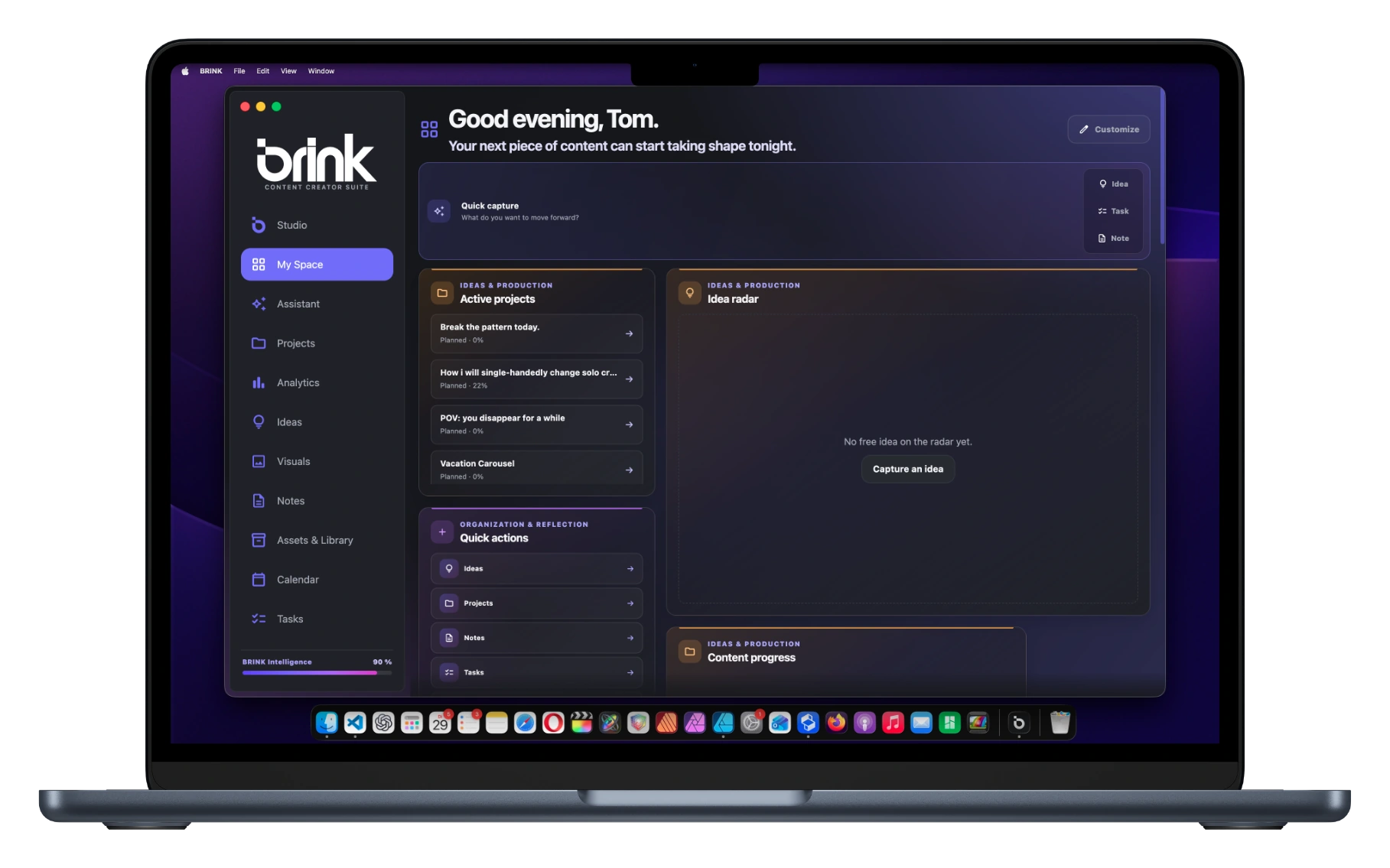
My SpaceBRINK
YOUR CREATIVE SPACE

What is on your mind?

IdeaTaskNote

A weekend without my phone …

Quick captureSave idea
Active projects2
48 hours offline.In progress
↗
Idea radar

A morning without scrolling.

★★★★☆Ready to develop further
My Space
02Ideas

FROM A THOUGHT TO A DIRECTION

An idea.Now with direction.

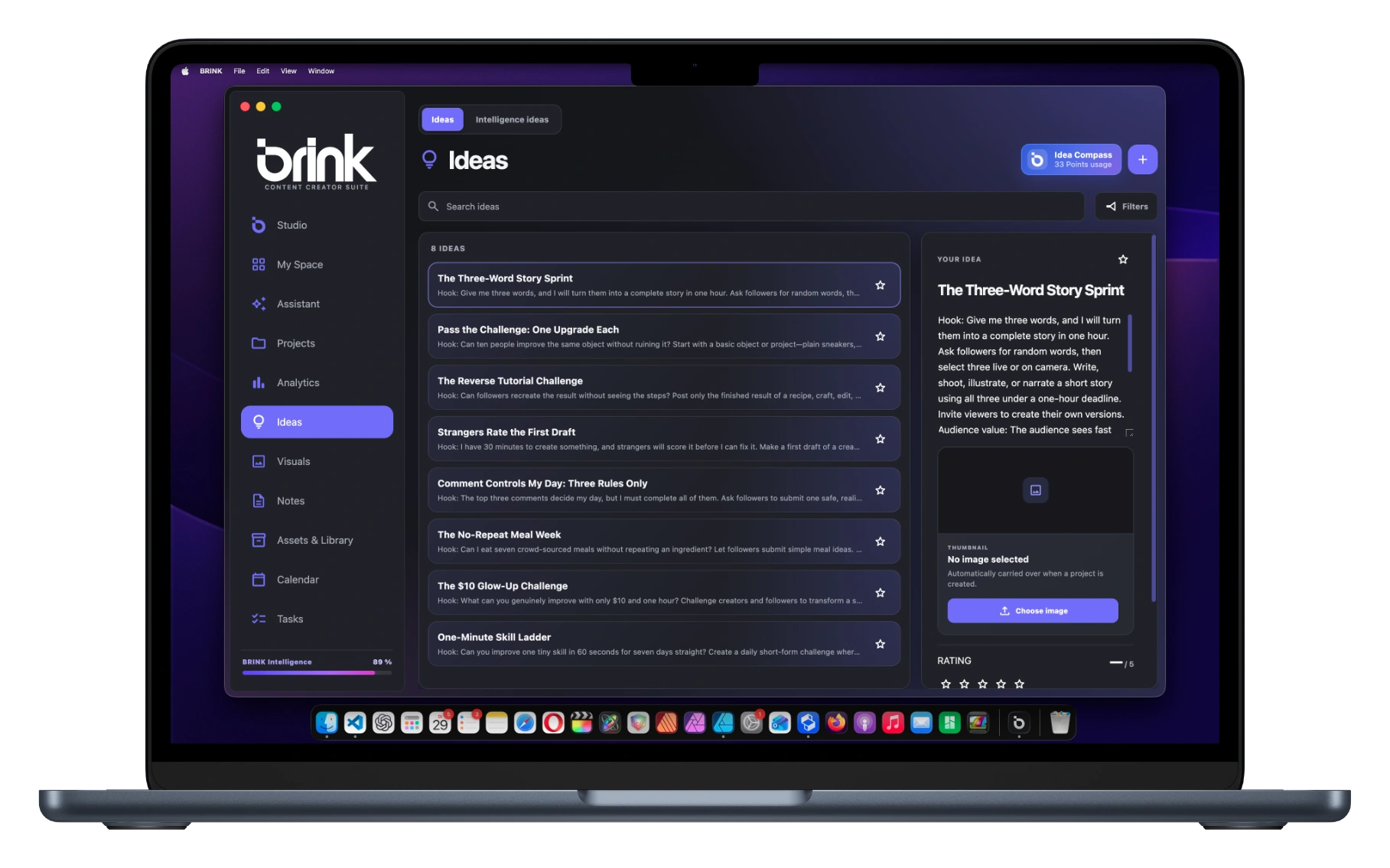
Capture ideas, compare approaches and develop them with Intelligence. Turn the idea that convinces you directly into a project.

Capture your idea, develop it with Intelligence and turn it into a project.

You can see what your content could become.

BRINK / Ideas02 / 05
IdeasBRINK
IdeasIntelligence ideas
Idea compass
3 IDEAS
48 hours offline.★★★★★
A morning outside.★★★★☆
A different way home.★★★★☆
YOUR IDEA

48 hours offline.

What changes when you really switch off?

Rating★★★★★
Turn into a project
Ideas
03Project

EVERYTHING THAT TURNS AN IDEA INTO CONTENT

Your idea takes shape.Step by step.

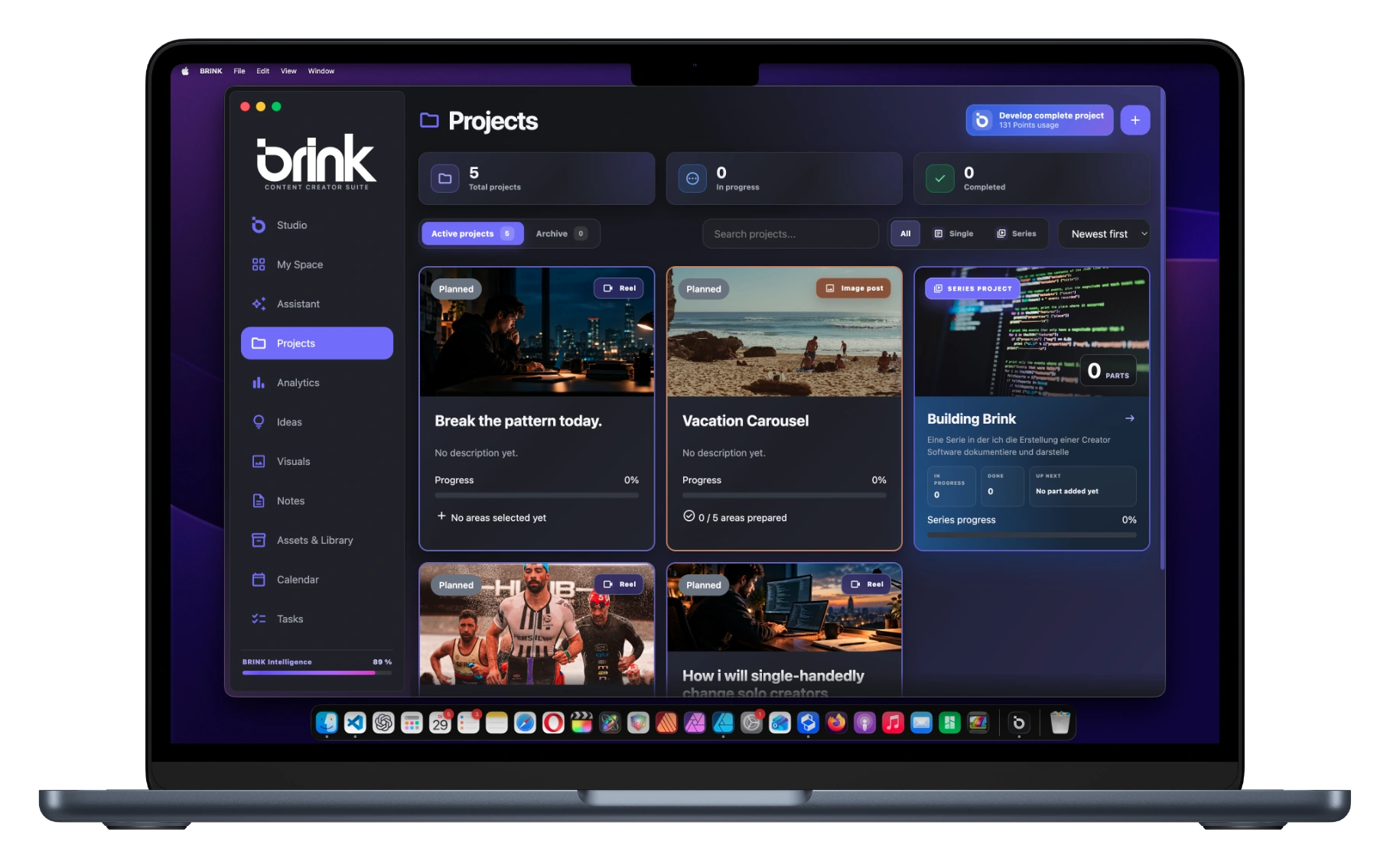
Concept, script, tasks and material belong together. Develop your content without having to piece everything back together each time.

Keep concept, script, tasks and material together. See your next step.

A project that keeps the whole picture together.

BRINK / Projects03 / 05
ProjectBRINK
SINGLE PROJECT

48 hours offline.

PROJECT GOAL

A story about what remains when we switch off.

Status
In progress
Progress✓
CURRENT STATEDevelop your content
✓ Idea✓ Concept◌ Script
NEXT STEPContinue your script
↗
Description

Two days outside. No notifications. Capture the small moments.

Schedule
START12. OctDUE18. Oct
Projects
04Your rhythm

A PLAN THAT FITS YOUR REAL LIFE

Open BRINK.Know what matters today.

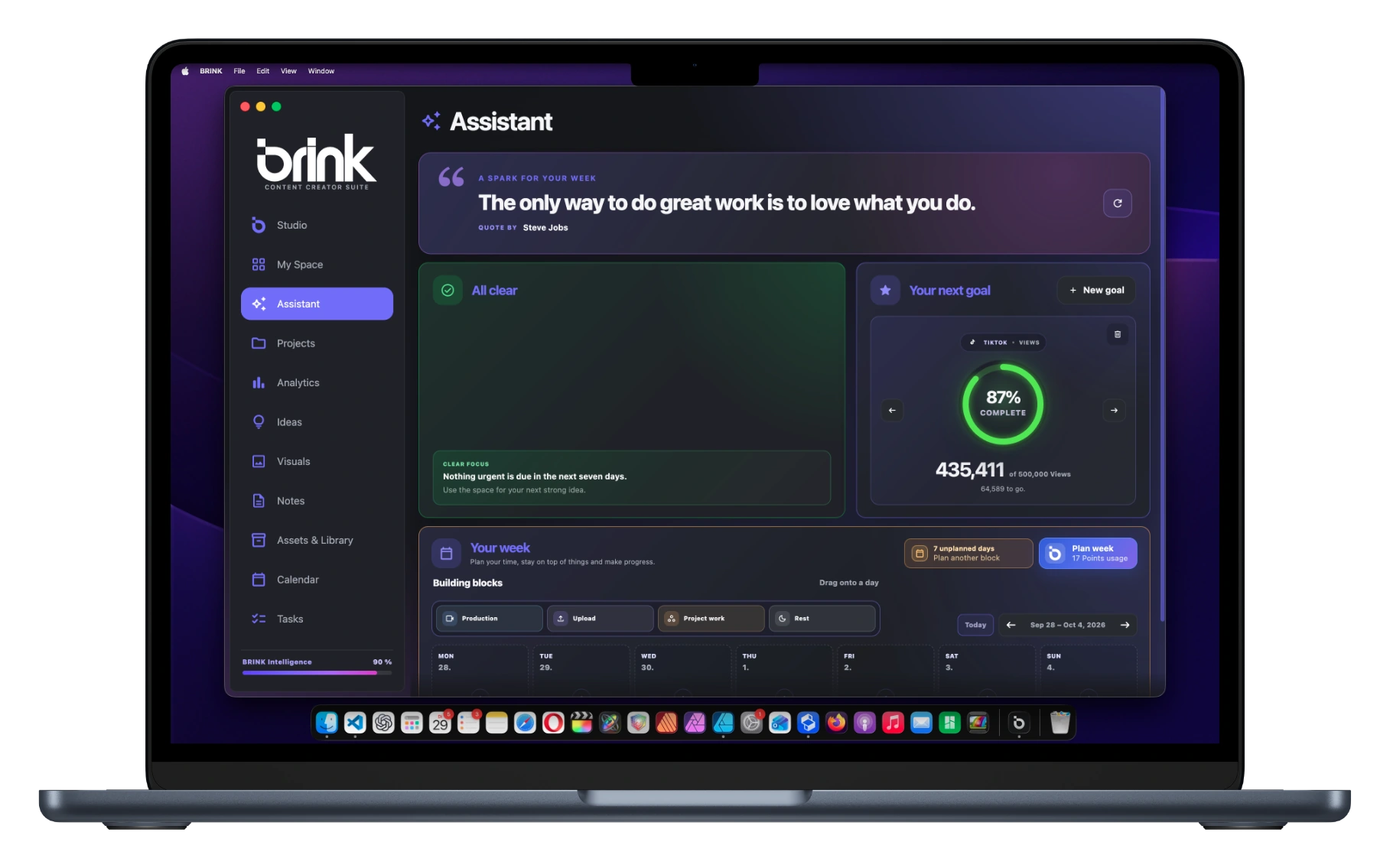
Plan production, project work, uploads and breaks in Assistant. Keep your week and upcoming work in view, instead of deciding from scratch every day.

Plan project work, production and uploads around your week.

Consistency starts with a realistic next step.

BRINK / Assistant04 / 05
AssistantBRINK
✓All clear

No urgent action required.

Your next goal

750 / 1.000 followers

Your week
12 – 18 OCT
Building blocksProject workProductionUploadBreak
MON12
Project work48 hours offline.
TUE13
Production48 hours offline.
WED14
Break
THU15
Project workScript
FRI16
Upload48 hours offline.

SAT17
Break
SUN18
Break

✓Week fully planned

Assistant
05Insights

YOUR RESULTS BECOME YOUR NEXT STARTING POINT

You publish.And learn from it.

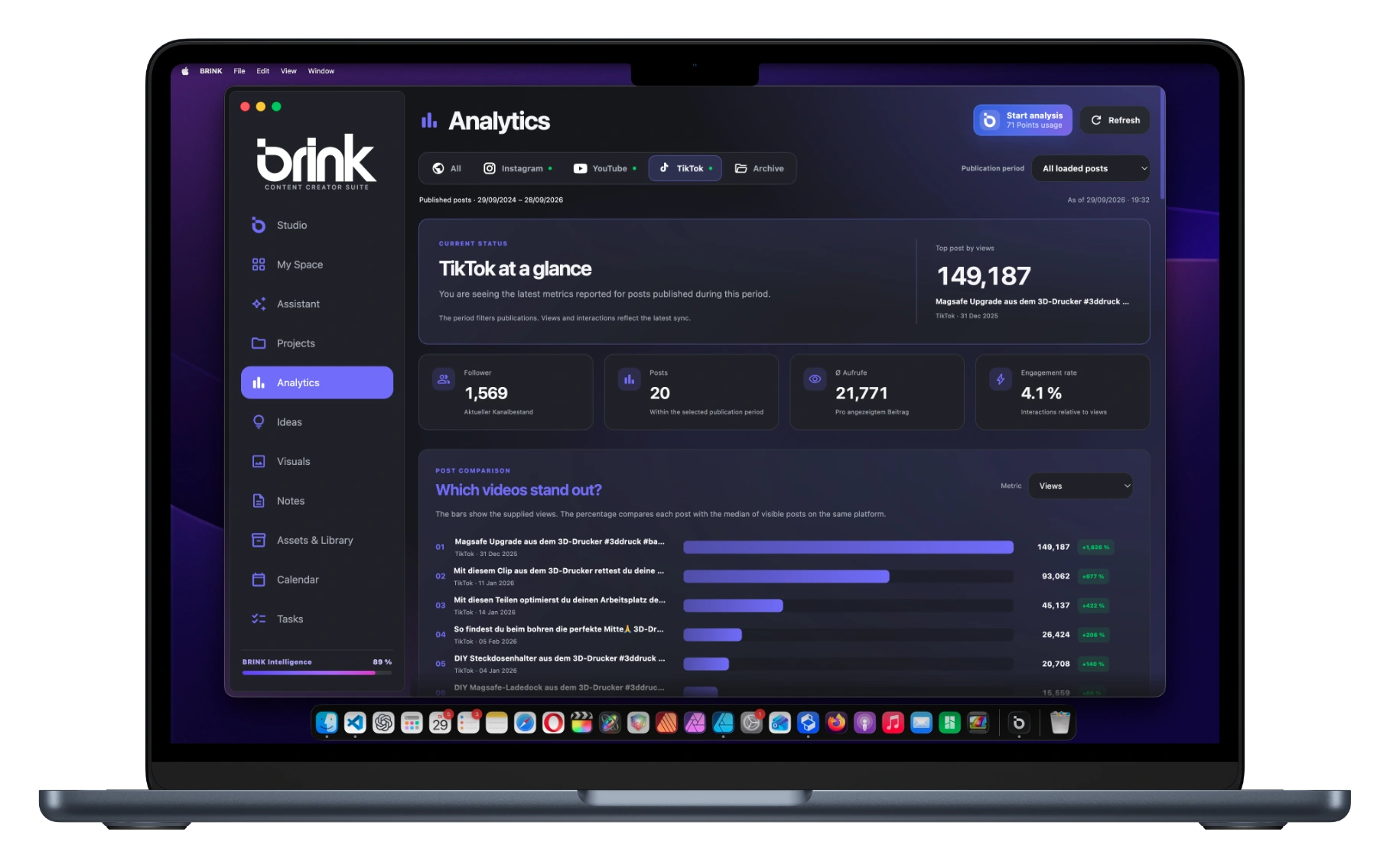
BRINK brings available platform metrics together. Compare your posts and understand what gets a response — a starting point for your next idea.

Compare your posts and use the response to shape your next idea.

Your next idea does not have to stay in your notes.

Explore your workspace↗
BRINK / Analytics05 / 05
AnalyticsBRINK
AllInstagramYouTubeTikTok
CURRENT STATUS

TikTok at a glance

Your posts. Their response. A clearer picture.

Followers750
Posts12
Avg. views8,240
Engagement rate4,8 %
Which videos stood out?Views
01
48 hours offline.
12,480
02
A morning outside.
7,960
03
A different way home.
4,240
Analytics

Your content.Finally in focus.

From the first idea to the next insight. BRINK brings ideas, projects, planning and analytics together — so more of what’s in your head makes it out into the world.

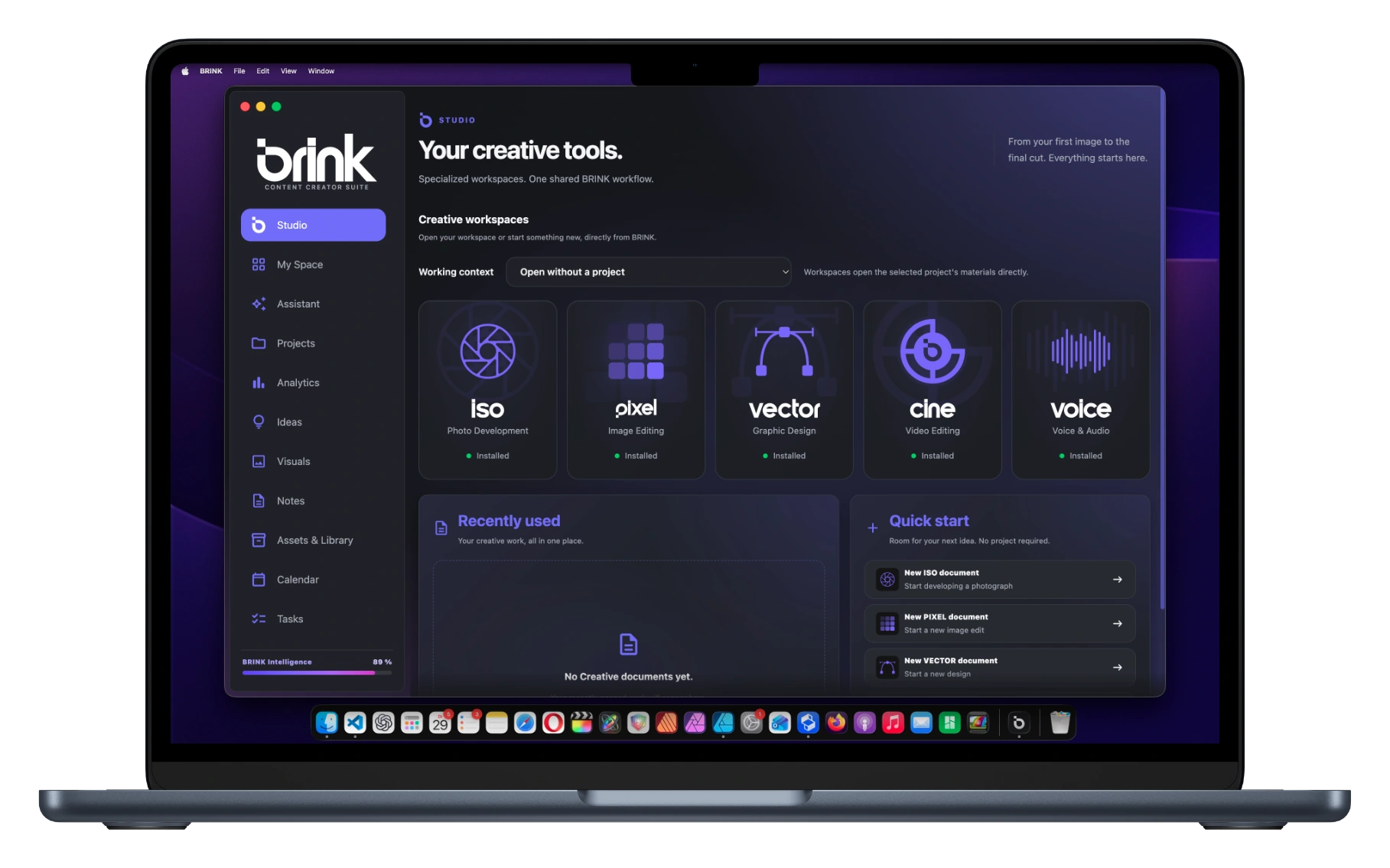
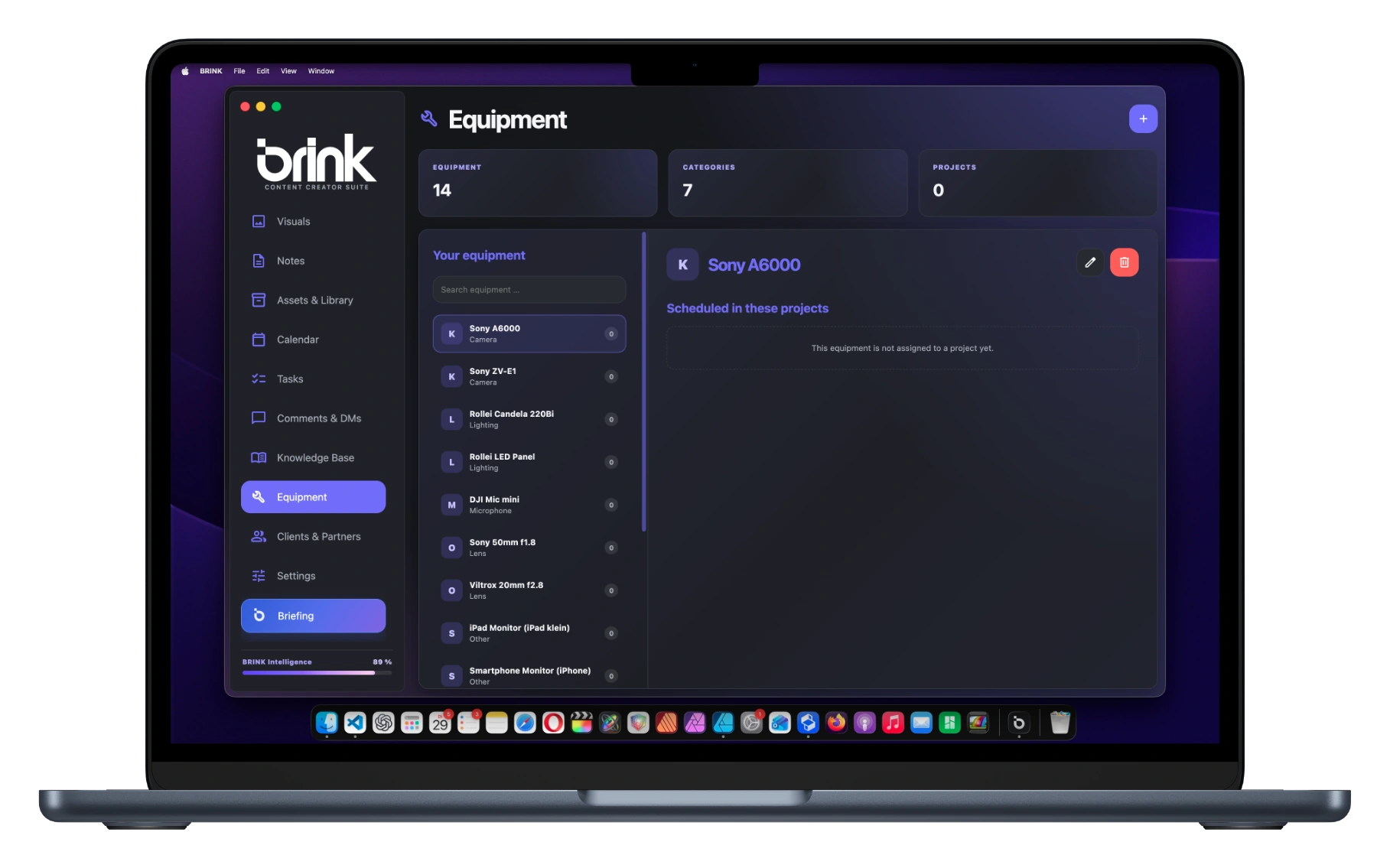
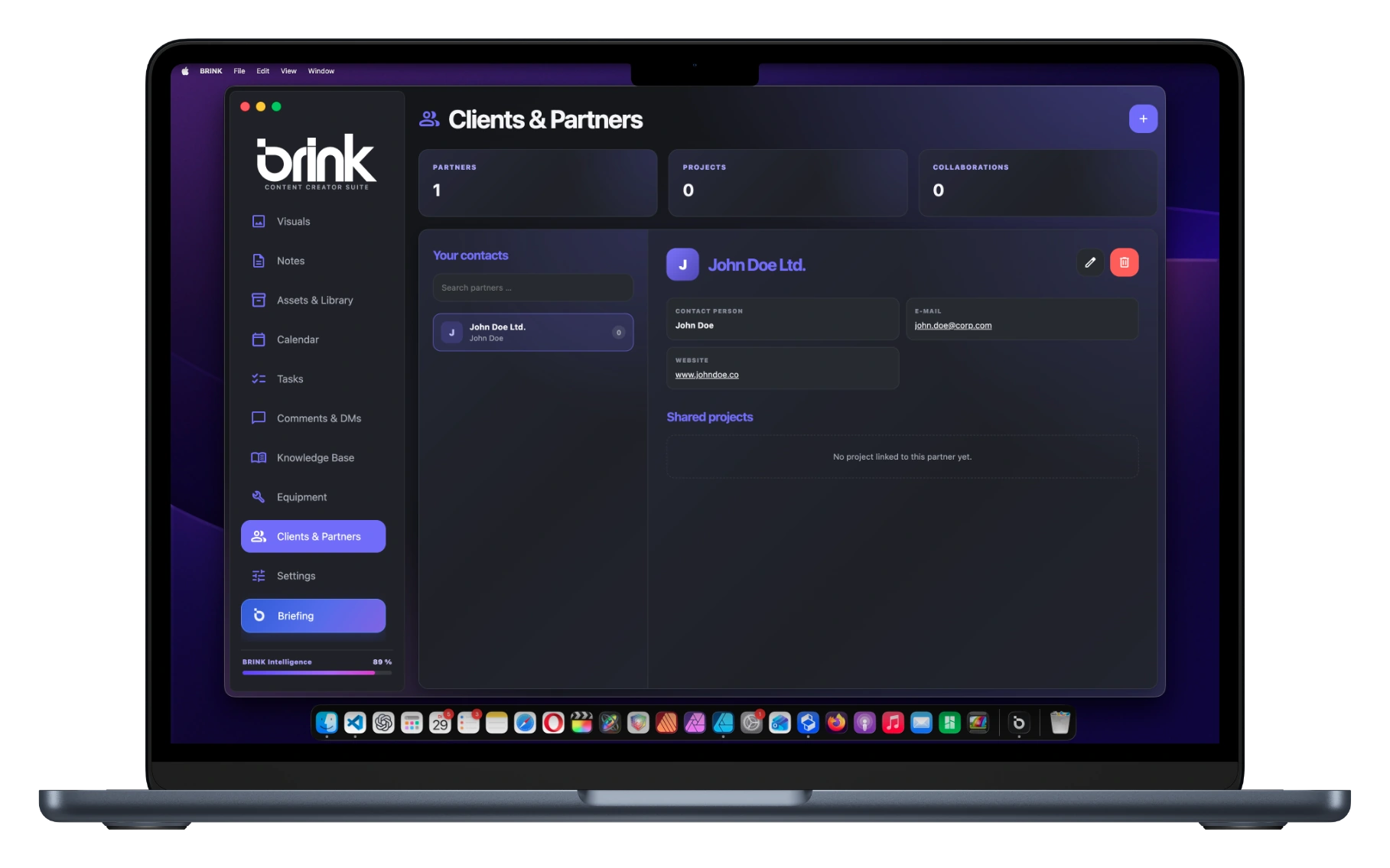
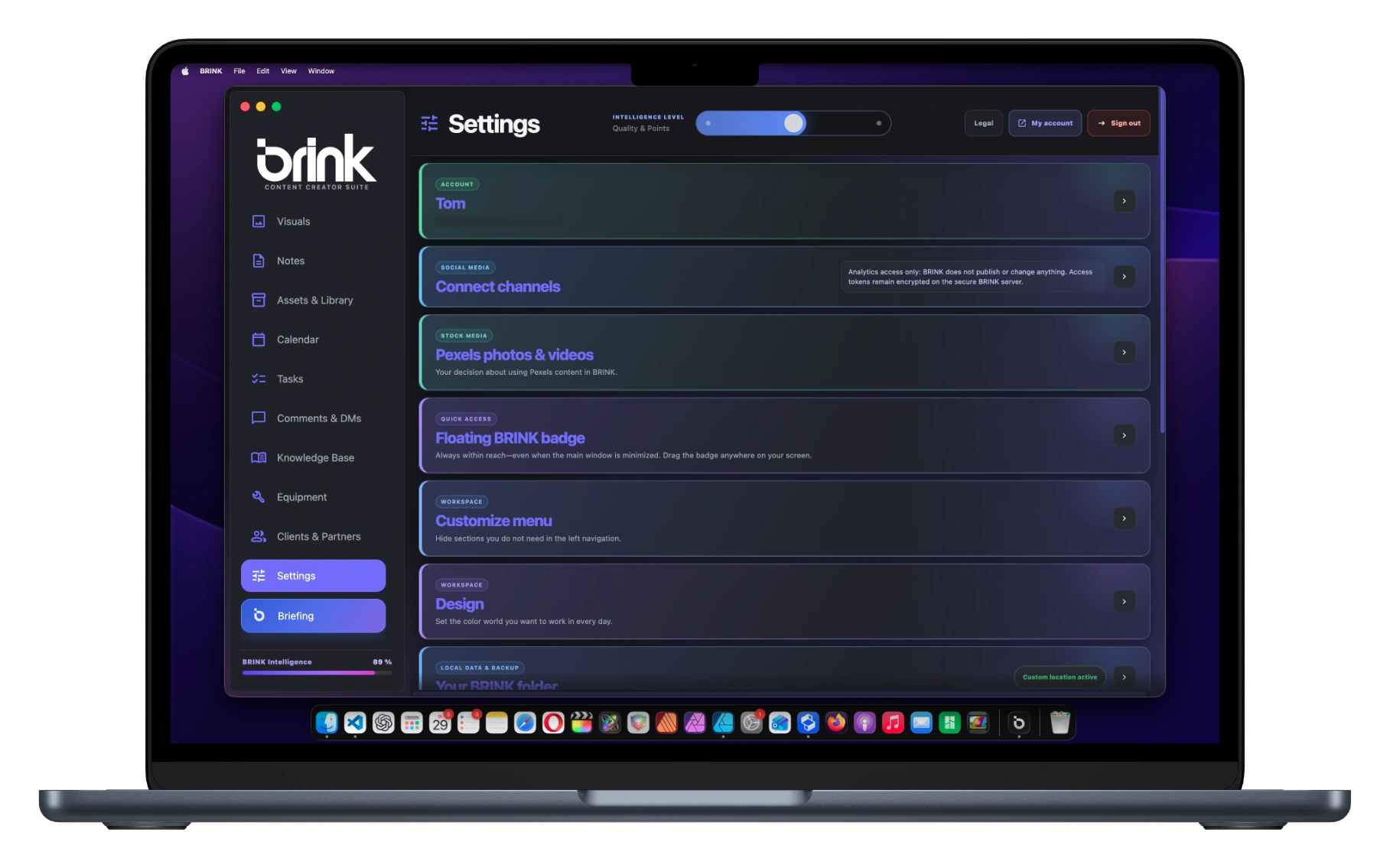
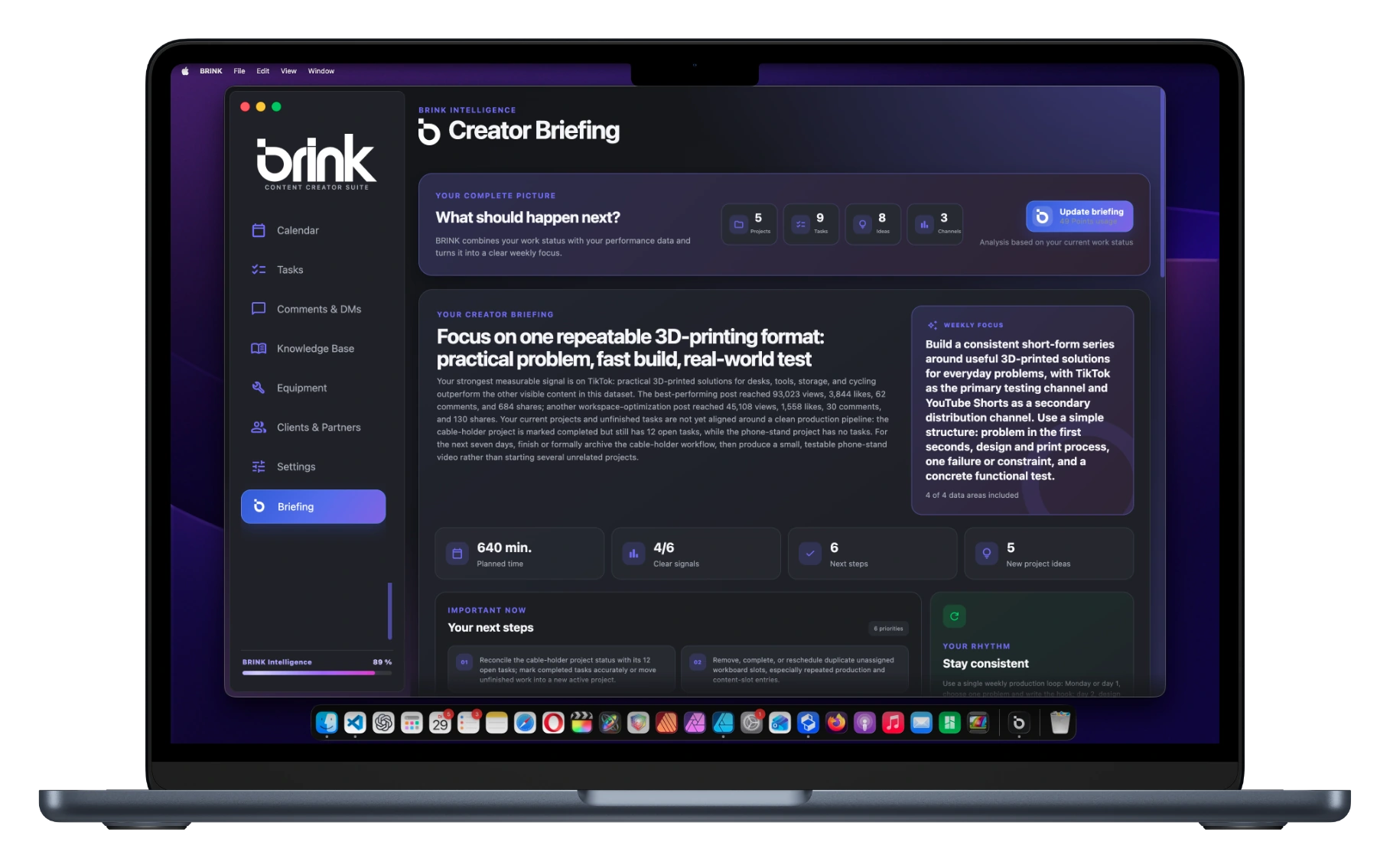
MacBook showing BRINK Studio
01

Studio

Start your creative tools here: photo development, image editing, graphics, video and audio.

One click.New possibilities.

Your creative AI. For ideas, production, planning and new insights. Right inside BRINK.

YOUR IDEA

A weekend without your phone.

Your idea. Taken further with BRINK Intelligence.

YOUR IDEA

A weekend without your phone.

48 hours without a smartphone. I want to show what a weekend outdoors feels like without distractions.

From a first thought to a video concept.

Creative support. Across your workflow.

Intelligence works where your ideas, projects and results come together.

From concept to shoot.

Develop a script, shot list and content structure from your project. Get suggestions for your post copy, too.

Script · Shot list · Post copy

A week with direction.

Get a suggested weekly plan. Monthly and creator briefings help you find your next focus.

Weekly planning · Briefings

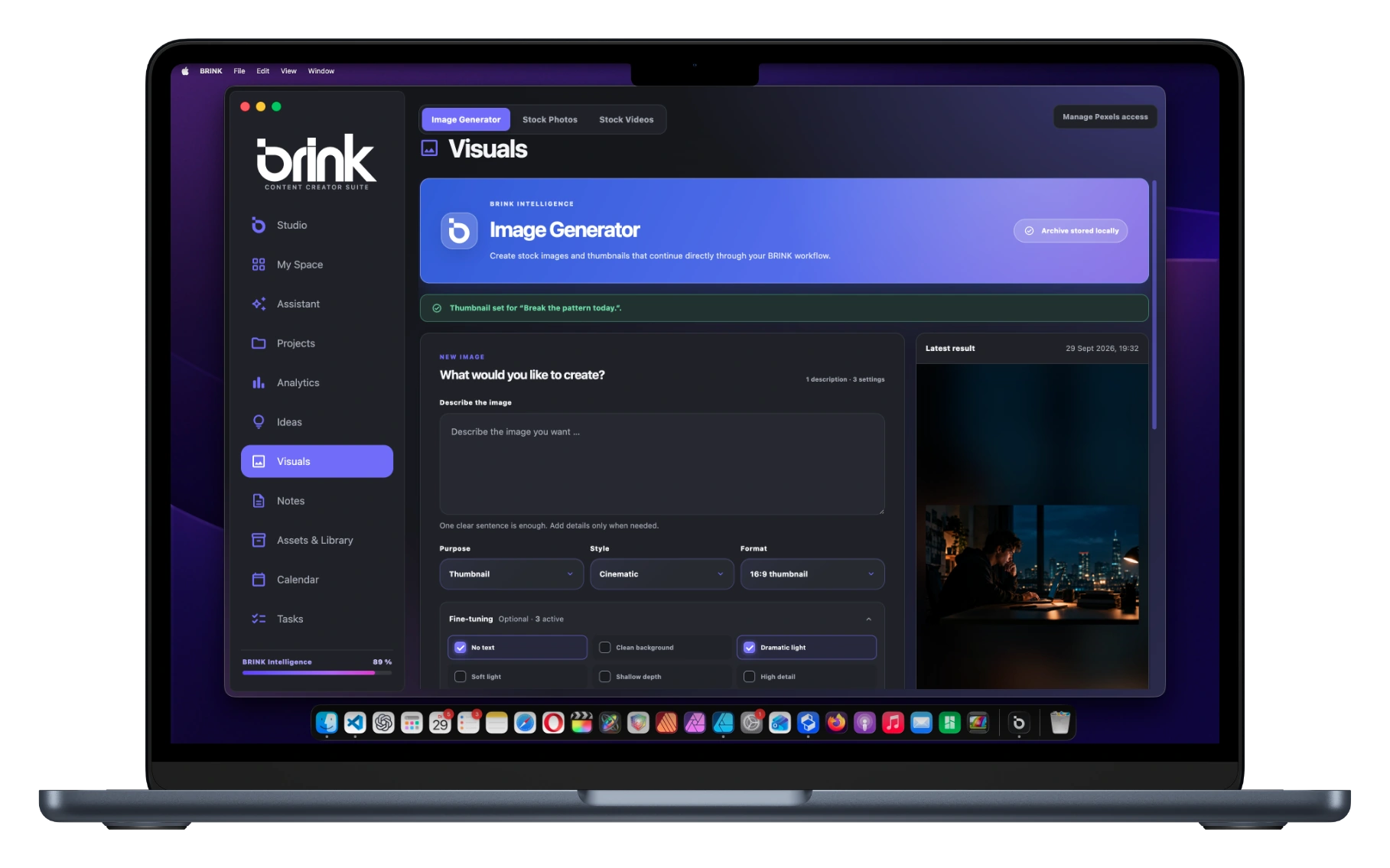
Visuals for your idea.

Generate imagery and thumbnails, then use the results in your project or library.

Imagery · Thumbnails

One topic. A whole series.

Turn a brief into a connected series with multiple projects.

Series concept · Individual projects

Make sense of your results.

Analytics Deep Dive helps you understand available metrics and develop directions for your next content.

Analytics Deep Dive

You review every suggestion and decide what to use. Available functions depend on your edition; Intelligence uses Points.

More tools.When you need them.

STUDIO / STUDIO+ CREATIVE TOOLS

Extra tools for
your creative process.

Five optional workspaces for photos, design, video and voice. Planned for Studio and Studio+.

EXPLORE THE TOOLS01 / 05
ISODevelop photos
BRINK ISO

The light was there. Now make it yours.

Shape light, colour and detail. Develop photos with a look that is unmistakably yours.

  • RAW development
  • Curves & colour
  • Masks & presets
IN DEVELOPMENT
ISO/Off the gridCreative workspace
Imagery for the Off the grid project
↔
BeforeYour look
Drag to compare the look

The Creative Tools are in development for Studio and Studio+. Active Alpha accounts can test them when the required applications are installed. A combined suite release is still in preparation.

Compare editions ↗

Your next idea is already there.Make it your first project.

Bring your ideas and your real workflow. Try BRINK, find your rhythm and help shape the workspace you want to create in.

Apply for the AlphaAccess by selection. Scope and terms on the Alpha page.
YOUR NEXT IDEA

What if I finally started?

Your first projectBRINK
Room for what’s next.
✓Capture an idea
02Give it a plan
03Start creating
Your workflow. Your feedback.

Help shape BRINK as it grows.